
Exhibition Concept Handoff Responsibility Matrix
A design handoff responsibility matrix assigns each visible concept decision, unresolved question, evidence status, review stage, and next action to the appropriate project role.

It separates what a concept preview communicates from what still needs a decision, document, specification, permission record, or qualified review. The matrix can route questions to a designer, client-side decision-maker, supplier, organizer, rights holder, or qualified adviser. It cannot establish venue acceptance, accessibility suitability, structural or fire-safety suitability, utility capacity, rights clearance, or production readiness.
What to Assign
Use rows that describe something the team can see, compare, or document. Keep responsibility, authority, and verification in separate fields.
| Review item | What the preview may show | Role and route | Next action |
|---|---|---|---|
| Aisle-facing brand hierarchy | Sign position, logo scale, campaign message, and focal point | Exhibition designer and brand decision-maker | Compare recognition from the primary approach angle |
| Zone threshold | An apparent opening, pause point, queue, or turn into the space | Spatial designer and project manager; venue questions go to the organizer | Mark the intended threshold and identify missing dimensions |
| Demo edge | Screen, product, presenter, or interaction position visible from the aisle | Exhibition designer and content lead; technical dependencies go to the supplier | State what a passing visitor should recognise first |
| Meeting approach | Openness, privacy cues, apparent access path, and public-to-meeting transition | Spatial designer and client; relevant technical questions go to qualified reviewers | Review the approach from standing visitor eye level |
| Graphic content | Headline, supporting text, imagery, and brand hierarchy | Graphic designer and content owner | Mark the wording and asset as draft, reviewed, or unresolved |
| Image or object source | Visible asset identity and any recorded source information | Content owner or rights coordinator; final questions go to the rights holder or qualified adviser | Record the source status and missing permission record |
| Materials and finishes | Visible colour, texture, reflectance, or surface intention | Exhibition designer and appointed supplier | Separate visual intent from the selected product and specification |
| Utilities and equipment | Apparent screen, lighting, power, audio, or equipment locations | Technical lead or appointed supplier; venue dependencies go to the organizer | List the specification still required |
This is a working structure, not a universal industry standard. Projects may use different role names. Each row should still identify who prepares the material, who decides the project intent, who verifies an external dependency, and what happens next.
Responsibility Is Not Authority
A graphic designer may prepare a headline hierarchy. A content owner may confirm the wording. A brand lead may decide whether the treatment represents the intended identity. Those roles contribute to one item, but they do not hold the same authority.
The distinction matters even more when a visual decision reaches a technical or external requirement. An exhibition designer may place a suspended sign, display, light, or screen in a concept preview. The image does not establish its dimensions, mounting method, load, access, power, or venue suitability. Those questions belong in the relevant supplier or organizer route.
Use separate fields for:
- Prepared by: who creates or updates the material
- Decision owner: who decides the project intent
- Verification owner: who checks the external requirement or dependency
- Review stage: when the item must be resolved
- Source status: what record supports the current statement
- Next action: the smallest action needed to move forward
When these fields collapse into one owner column, unfinished work can appear complete.
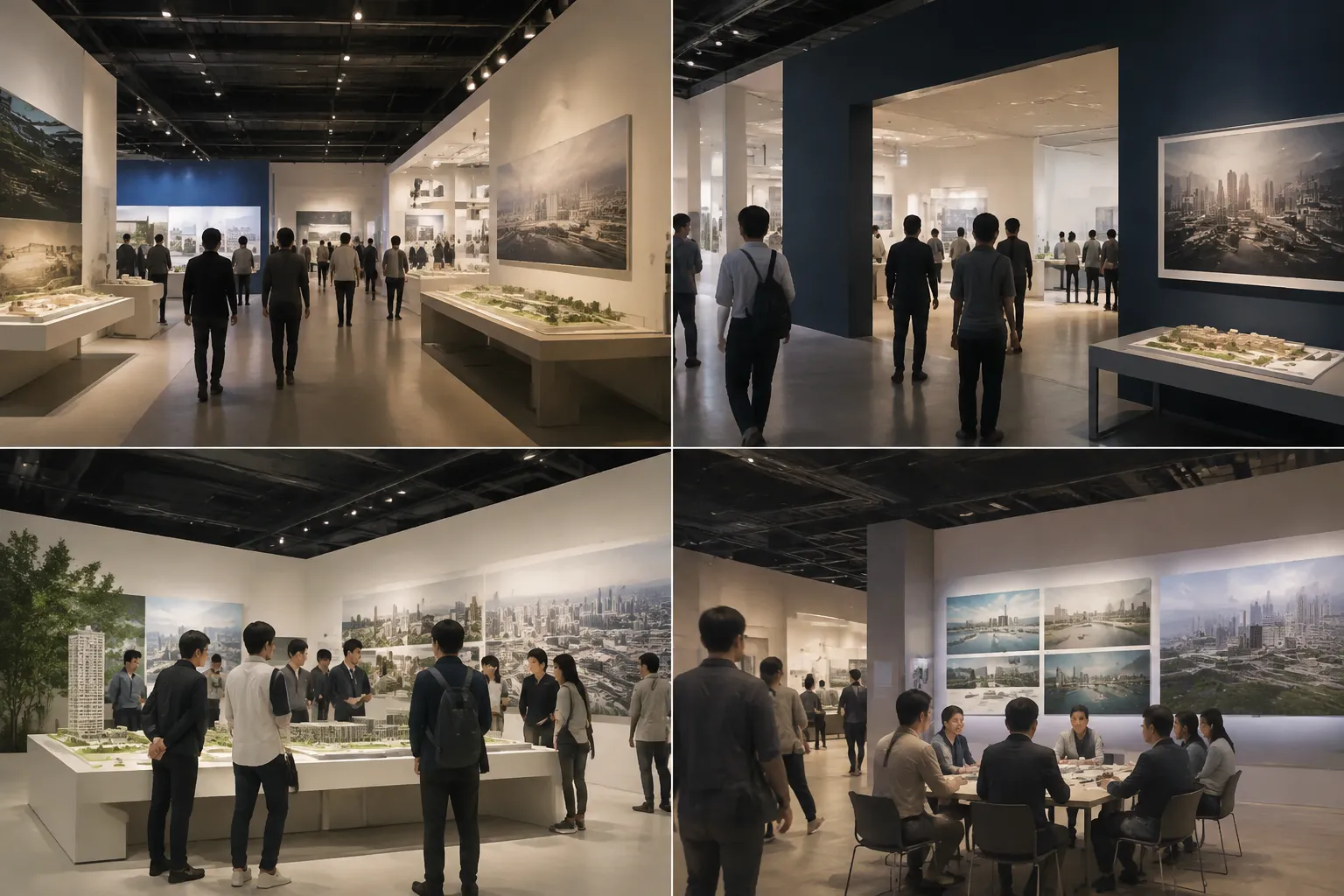
Read the Preview From the Visitor View
Review the concept from the position it claims to represent. The same layout may read differently from the aisle, zone threshold, demo edge, and meeting approach.
From the aisle
Record the first visible focal point before interpreting it. Note the message, form, colour block, product, or person that appears most prominent.
- Can the intended brand or offer be identified in the shown view?
- Is the main message readable at that apparent distance?
- Does a secondary element compete with the focal point?
- Does the image represent an actual sightline or a presentation angle selected for the proposal?
Assign visual hierarchy questions to the designer and client-side decision-maker. Route unknown site dimensions, neighbouring sightlines, and venue constraints to the role holding the current venue information.
At the zone threshold
The preview may show an opening, counter, graphic edge, host position, or product cue. Describe what is visible before inferring visitor movement.
- The opening is visually clear from the shown approach.
- The product appears only after a turn inward.
- A tall graphic screens the meeting area.
- The entrance direction is unclear from the image.
The likely visitor effect remains an interpretation, not a measured outcome. Write the next question instead: does the client intend this area to invite a pause, a demonstration, or a meeting approach?
At the demo edge
A demo area may contain several competing focal cues: presenter, product, screen, supporting graphic, and passing visitor.
The screen is the largest visible element, while the product appears lower and farther from the aisle. Confirm whether the screen or product should be recognised first.
This is a concept-review observation. Screen dimensions, mounting, power, sound, equipment access, and venue conditions require a later technical route.
At the meeting approach
Review the transition from public circulation to conversation. The image may suggest openness, enclosure, a waiting position, or a restricted route.
It can show where a visitor may stand and which element appears to define the boundary. It does not establish actual accessibility, capacity, privacy, safety, or site suitability. Route those questions with the applicable project and venue information.
Worked Example
Consider this invented example: a concept preview shows a large overhead brand sign, a product demonstration near the front edge, and a semi-enclosed meeting area behind a graphic wall.
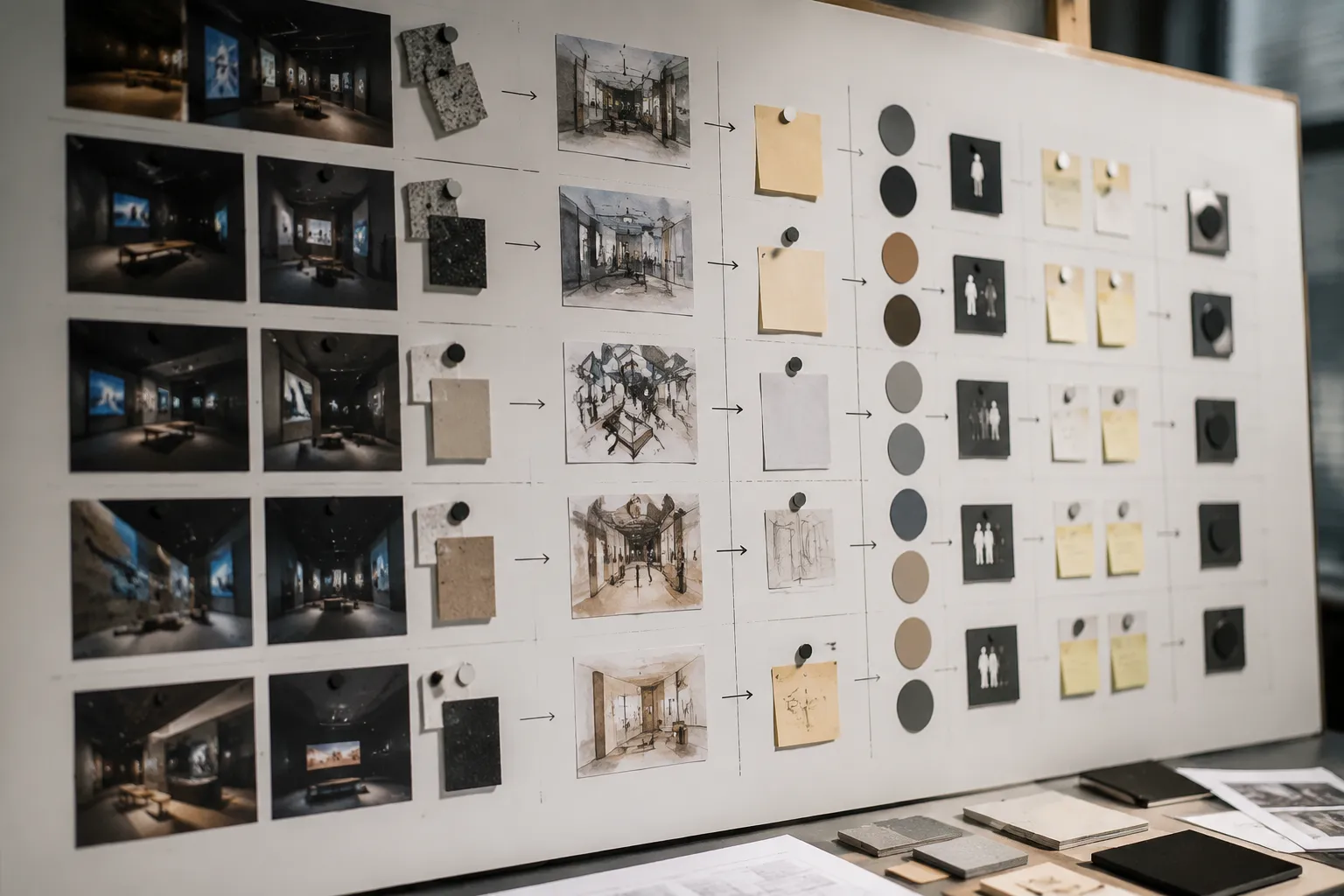
| Observation | Interpretation to test | Unresolved question | Route | Stage |
|---|---|---|---|---|
| The overhead sign dominates the aisle view | Brand recognition may lead product recognition | Should the campaign message or product be the primary focal point? | Client and brand lead | Concept review |
| The demo is visible, but the presenter position is unclear | A passer-by may see equipment without understanding the action | Where should the presenter stand, and what should be recognised first? | Exhibition designer and content lead | Concept refinement |
| The meeting area is screened on one side | The image suggests a quieter conversation zone | Is that degree of openness consistent with the intended visitor sequence? | Client and spatial designer | Concept review |
| A campaign image appears in the graphic zone | The asset contributes to the visible hierarchy | What source and permission record supports its proposed use? | Content owner or rights coordinator | Before asset lock |
| The preview includes a suspended sign | The proposal depends on an overhead element | Which current venue requirement and supplier specification apply? | Project manager, supplier, and organizer | Technical review |
“The stand feels premium” does not identify a decision. “The overhead sign is the first high-contrast element visible from the aisle” gives the team something to compare and assign.
Source Status and Review Stage
Source status prevents a concept preview from being mistaken for a developed specification or approval record. Use labels that describe what currently exists:
- Concept indication: visible in the preview, but not developed
- Client brief: stated project intention or requirement
- Draft content: proposed wording or imagery awaiting review
- Source record required: origin or permission information is missing
- Supplier information required: technical details are absent
- Organizer information required: venue or event requirements are absent
- Decision recorded: the responsible decision-maker has selected an option
- Status unknown: no current record is available
A concept image can show an apparent opening, but it cannot confirm the final footprint. A source list can identify an asset, but the applicable permission depends on the rights holder, licence, territory, duration, and intended use.
The same question may move between roles as the project develops. During concept review, the team can choose the focal point, visitor view, message priority, and alternatives to develop. During design development, it can document layouts, graphic assets, material intentions, equipment locations, and interface questions. During technical and production review, the appointed supplier and other qualified roles address applicable specifications, site conditions, utilities, access requirements, and venue documentation.
Published exhibition-development research describes staged processes, but the exact gates and decision authority vary. Use the project’s actual review stages rather than importing a borrowed process model.
Write the Handoff Question
Each unresolved row should end with a question that a named role can answer.
Weak visual note: Improve the visitor experience.
Usable visual note: From the aisle approach, the product is less prominent than the overhead sign. Should the next concept version prioritise product recognition, campaign recognition, or a deliberate sequence between them?
Weak technical note: Confirm compliance.
Usable technical note: The preview depicts a suspended sign. Which current venue requirement and supplier specification govern its proposed location, dimensions, access, and installation method?
Weak rights note: Check image rights.
Usable rights note: The campaign image appears in the graphic zone, but its source record is absent. Who will provide the rights-holder record or confirm that a replacement asset is required?
Each usable version identifies the cue, separates interpretation from fact, and gives the recipient a clear next action.
Common Misunderstanding
A polished preview can create premature certainty. Realistic lighting, finished graphics, detailed materials, and a carefully chosen approach angle can make the image feel more complete than the underlying project information.
Add a status field beside each major visual decision:
- What is depicted?
- What is intended?
- What is documented?
- What remains unknown?
- Who must verify it?
- At which review stage?
Preserve comments, decisions, and changes with the intermediate deliverables. A convincing preview records the visual proposal. It does not, by itself, establish visitor response, technical suitability, rights status, venue acceptance, or production readiness.
Scope Limit
Mark an item as unknown when the available material does not establish the actual footprint, material specification, structural or utility suitability, accessibility information, asset permission, organizer status, supplier acceptance, or final production information.
These are routing points. Send them to the relevant venue record, supplier specification, organizer documentation, rights-holder confirmation, or qualified review. The matrix exposes the gap; it does not resolve the external determination.
Frequently Asked Questions
What is a design handoff responsibility matrix?
It is a structured record connecting visible design decisions with unresolved questions, evidence status, review stages, responsible roles, and next actions.
Who maintains the matrix?
A project manager or designated coordinator may maintain the working record, depending on the project’s agreed governance. Maintaining it does not give that person authority over design, budget, venue matters, rights, or technical decisions.
Should every row have one owner?
Every row should have one clearly identified next-action owner, even when several people contribute. Record decision authority and verification responsibility separately when the item crosses into content, rights, venue, accessibility, safety, or technical review.
Can the preview serve as a supplier specification?
No. It can communicate design intent and show apparent locations, relationships, and sightlines. It does not establish the dimensions, materials, loads, utilities, installation method, or site requirements needed for supplier review.
How should rights questions appear?
Record the asset, visible use, source status, responsible content role, and missing record. Route the final determination to the rights holder or qualified adviser for the relevant usage context.
Next Action
Take the current exhibition concept preview and select three visitor positions: the aisle, the demo edge, and the meeting approach.
For each position, record one observable cue, one unresolved question, one responsible role, one authority or verification route, and one next action. Mark anything lacking a source record, supplier specification, organizer requirement, rights record, or approval document as unresolved rather than complete.
Sources
- The Making of Exhibitions: Purpose, Structure, Roles and Process
- Voila!: The Rockefeller Archive Center's Exhibit Creation Process
- An Advocate for Everything: Exploring Exhibit Development Models
- An Evaluation-Driven Design Process for Exhibitions
- How to Create Exhibits
- Digital exhibition design: boundary crossing, Intermediary Design Deliverables and processes of consent
- From Shelf to Showcase: a Workflow for Exhibiting Books and Ephemera in Art Museum Contexts
- Brazil - Gestão do processo de design de arquitetura efêmera em museus