
Turn Rendered Booth Assumptions Into an Owned Question Log
Turn a rendered booth concept into a design assumptions log before the team treats it as a settled direction. Read the image from named visitor positions, record what each view appears to communicate, separate observation from implication, and route each unresolved question to an owner.
A render can present a convincing composition. It does not establish dimensions, specifications, permissions, venue requirements, accessibility suitability, safety conditions, buildability, supplier confirmation, or approval. Those dependencies belong in the log as open questions.
Start With the Visitor Position
Begin with the position from which the image is being judged. Descriptions such as “open,” “premium,” or “bold” are only useful after the visible cues behind them have been recorded.
- Approach angle and visitor distance
- Eye level or camera height, if known
- Expected direction of movement
- Sightline into the booth
- Review stage and image being assessed
The same rendered booth may read differently from the main aisle, a side approach, the zone threshold, or the edge of a demonstration area. A front view may establish a clear brand hierarchy while a side view hides the entry or meeting route.
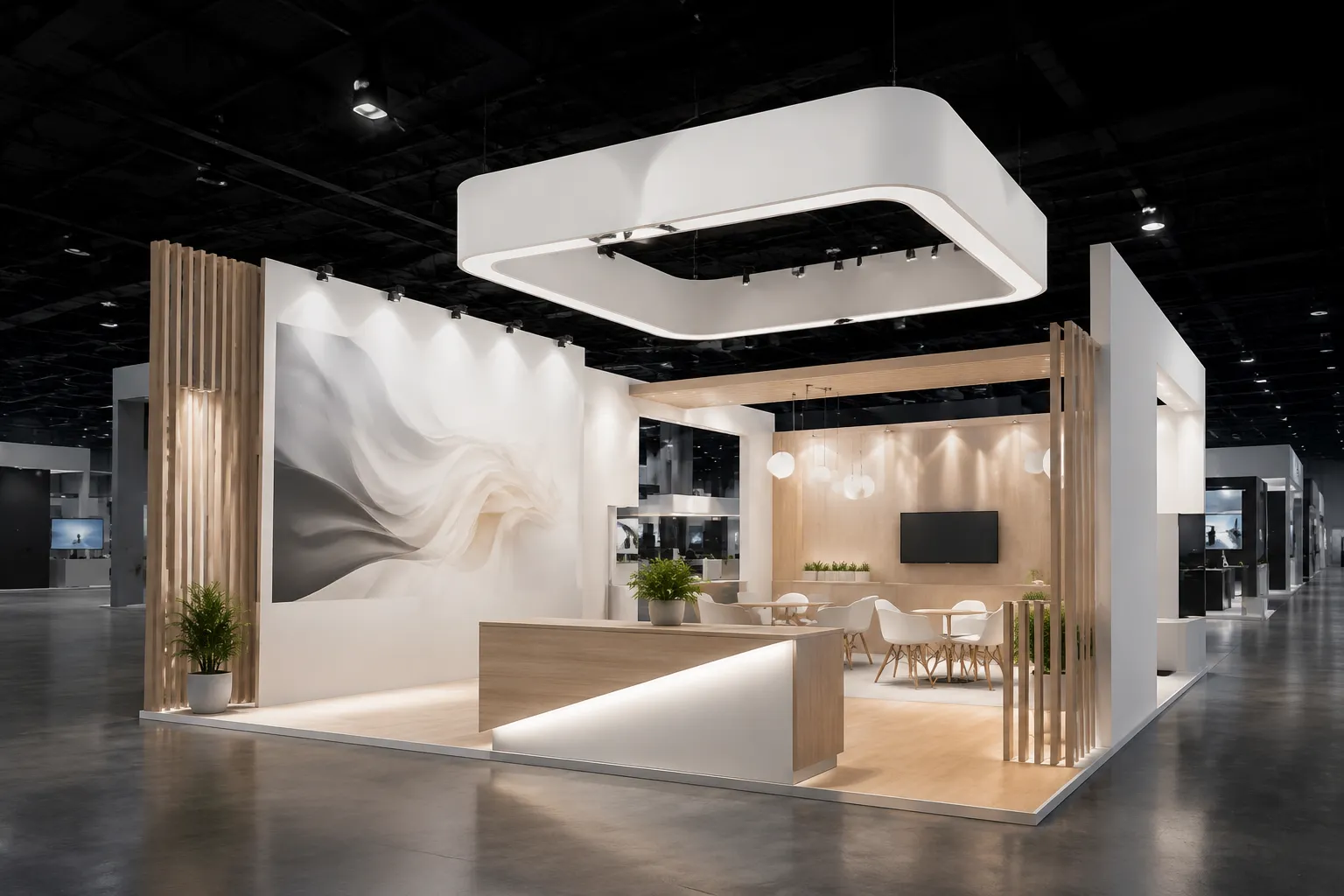
From the main aisle approach, the image shows a tall overhead element above the primary graphic field.
That sentence records a visible cue. It does not claim that visitors will notice it, understand it, or move toward it.
Separate the Observation, Assumption, and Question
Use three fields for each review unit:
- Observation: What does the image visibly show?
- Assumption: What is the team taking as true?
- Open question: What remains unresolved, and who can answer it?
For example:
- Observation: From the aisle approach, the main logo appears above the entrance and remains visible across the front perspective.
- Assumption: The brand will be identifiable before a visitor reaches the threshold.
- Open question: Is the logo still visible from the planned side approach, and does the graphic remain legible at the expected viewing distance?
- Owner: The designer, with confirmation from the brand team.
The observation belongs to the rendered booth concept review. The assumption belongs in the brief. The question belongs in the handoff.
Inspect the Focal Point and Zone Threshold
A focal point is not necessarily the largest object in the image. It is the cue the composition appears to prioritize from a particular approach angle.
Look for an overhead sign, product display, demonstration surface, large graphic, lit feature, welcome position, or visible change in material, height, or form. Then describe the hierarchy rather than repeating an adjective.
The image may place a bright screen, an overhead sign, and a product display along one sightline. The assumption may be that they reinforce one message. The useful question is more precise: is the screen intended to attract initial attention, or should the product remain the first cue from the aisle?
Route that question to the designer or campaign owner. The render reveals the current visual priority; it cannot decide whether that priority is correct.
The zone threshold is where a visitor appears to move from the aisle into the booth environment. It may be an opening, flooring change, graphic boundary, furniture edge, or shift in visual depth.
- Where does the entry appear to begin?
- Is the entry visible from the approach?
- What does a visitor encounter first?
- Does furniture appear to narrow the route?
- Does the image provide enough information to judge the route?
A useful entry might read: “The render shows an open front with a reception point set to one side.” The related assumption could be that visitors can recognize where to begin. The preview does not establish circulation width, operational clearance, or event-day use of the reception point.
Send the visual question to the designer. Technical, venue, or operational questions belong with the appointed supplier, organizer, or responsible production role.
Compare Matched Visitor Views
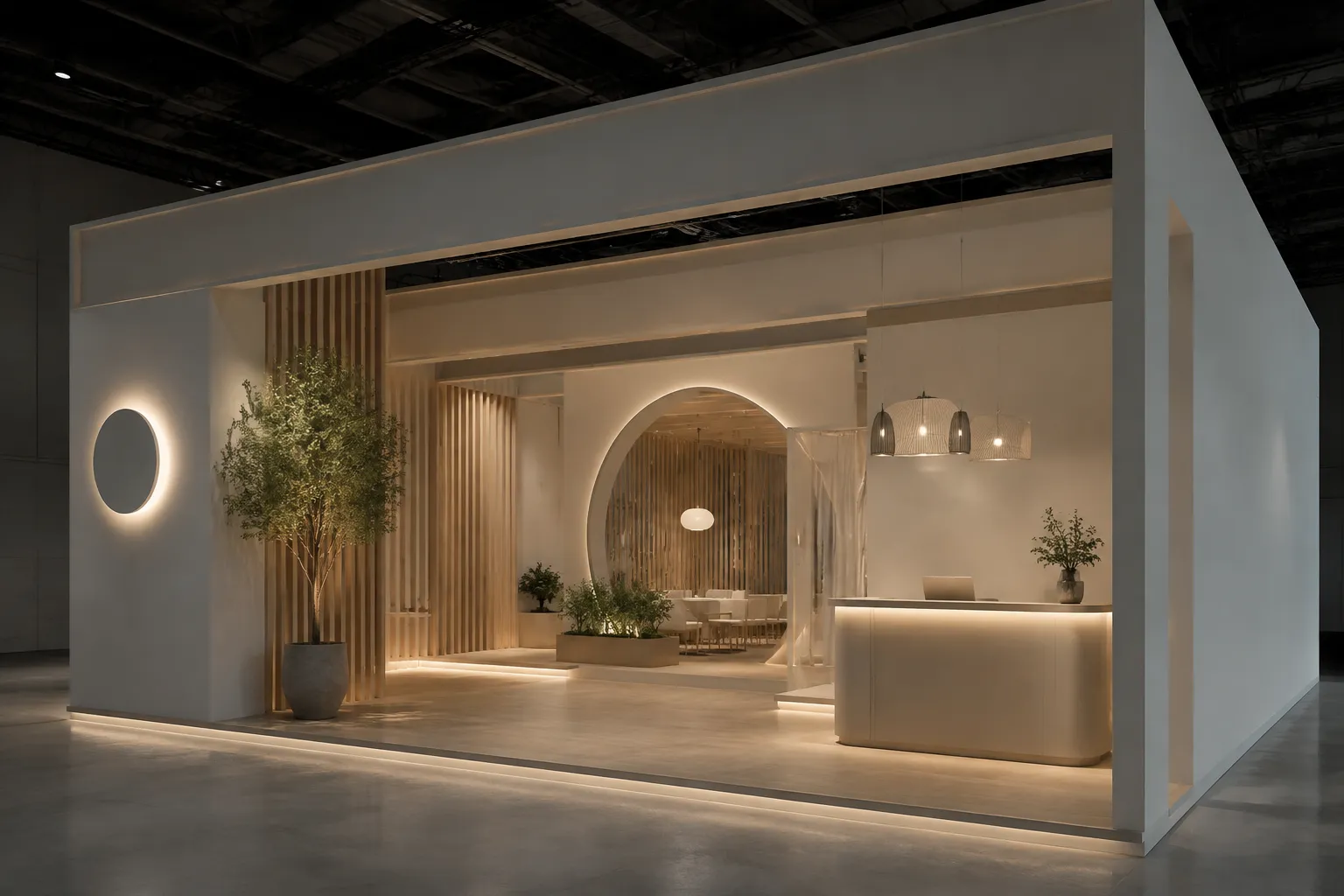
A rendered booth concept review becomes more useful when the same cue is tested from more than one approach. Keep the campaign goal, review stage, and zone requirement constant while changing the visitor position.
| Visitor position | Visible cue | Working assumption | Unresolved question |
|---|---|---|---|
| Main aisle | Overhead brand element | The brand is identifiable early | Does it remain legible from the side approach? |
| Zone threshold | Demo surface behind the entry | Visitors can see activity before entering | Is the demo edge visible when people gather nearby? |
| Meeting approach | Semi-enclosed seating | The meeting area has visual separation | What level of privacy is intended? |
| Side approach | Graphic wall and product unit | The side view carries the same message | Does this route create a different brand hierarchy? |
This comparison records what the preview appears to offer. It does not predict visitor behaviour or establish campaign performance.
Check the Meeting Approach and Demo Edge
From the meeting approach, inspect seating orientation, entry direction, surrounding panel height, aisle visibility, distance from the demo edge, and the space shown between furniture and circulation routes.
A render may show seating behind a partial wall with one open side facing the aisle. That suggests a meeting area intended to feel separate while remaining easy to enter. It does not answer whether the conversation is private, semi-private, or openly demonstrative, whether the furniture dimensions are final, or whether the arrangement matches supplier information.
The demo edge is where a visitor is expected to pause, watch, handle, or discuss something. Record the direction of approach, the object or screen facing the visitor, any shown staff position, the space in front of the surface, and its relationship to the main circulation route.
Write: “The image places the demonstration surface near the front corner, facing the main approach.” Avoid turning that arrangement into a performance claim. The working assumption might be that the demo edge is an early stopping cue. The routed question is: should the demonstration be readable from the aisle, or only after visitors enter?
Assign experience questions to the campaign or experience owner. Return layout questions to the designer. Equipment, power, operating clearances, and venue conditions require separate confirmation from the responsible technical or event role.
Track Source Status
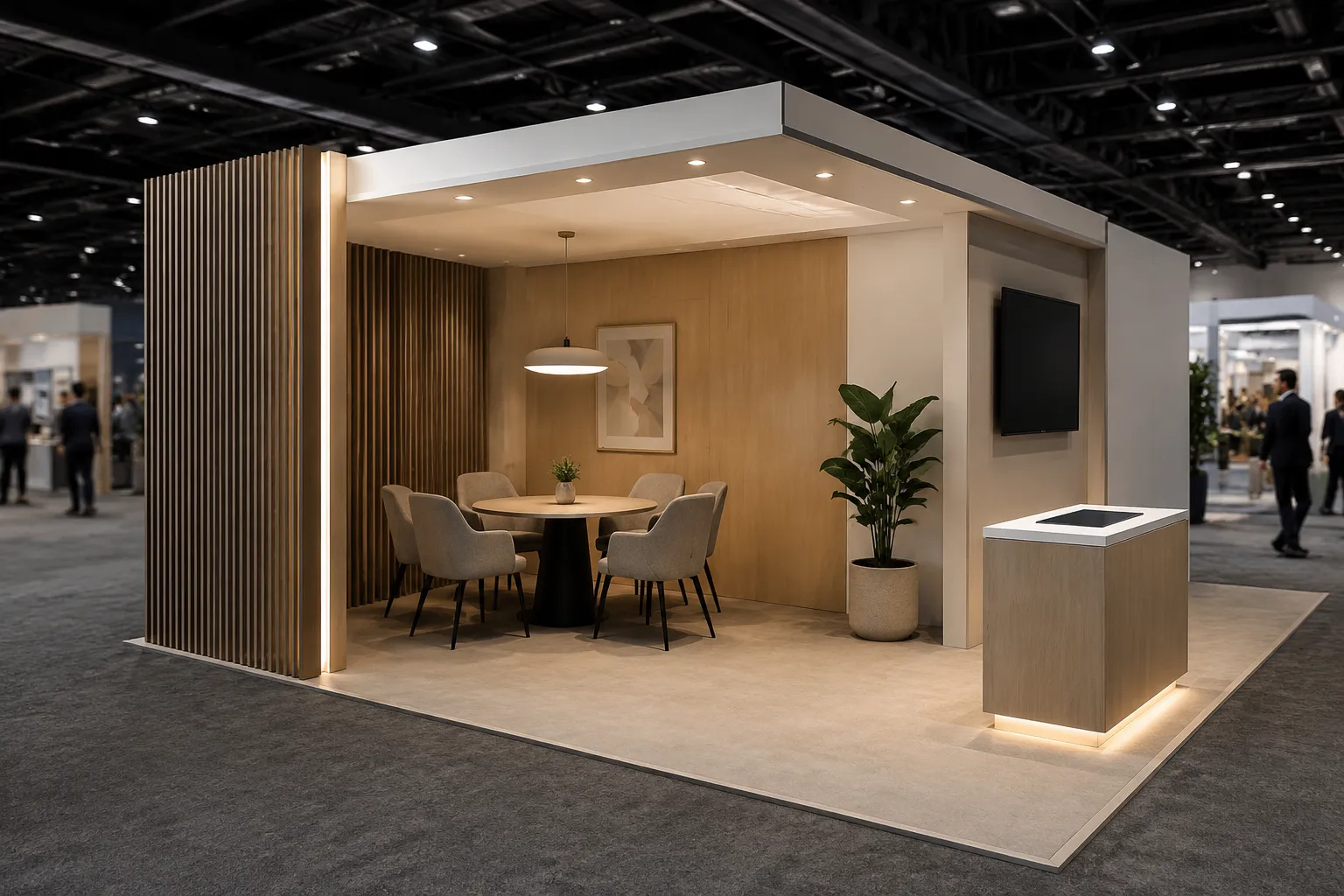
A concept preview, brief statement, developed specification, supplier confirmation, organizer requirement, rights record, and approval are different project states. Add a source-status field to each entry:
- Rendered concept
- Brief statement
- Designer proposal
- Developed specification
- Supplier question
- Organizer requirement
- Rights or permission record
- Approval record
- Unknown
For example: “The render shows a branded image on the rear wall. Source status: rendered concept. Permission and intended usage context are unknown.” Route that question to the rights holder or responsible brand team.
A rendered material may appear to be timber, fabric, metal, or illuminated acrylic. Unless the project record says otherwise, treat that as a visual impression. Material, fire, structural, electrical, and venue questions remain with the appointed responsible parties.
Convert Adjectives Into Owned Questions
| Initial description | Visible cue to inspect | Better question |
|---|---|---|
| Open | Number and position of entry edges | Which visitor routes are intentionally open? |
| Premium | Material contrast, detailing, lighting, and graphic restraint | Which decisions are required, and which are illustrative? |
| Immersive | Enclosure, sequence, focal cues, and visitor position | What does the visitor see first, next, and at the dwell point? |
| Bold | Scale, contrast, height, colour, or shape | Which cue carries the campaign message from the aisle? |
| Interactive | Demonstration object, screen, staff position, or action point | What visitor action is intended, and what remains unspecified? |
The purpose is not to remove descriptive language. It is to give each description an observable basis and a named follow-up.
The Minimum Useful Log Entry
A practical design assumptions log can use seven fields:
- View: Where is the visitor standing?
- Cue: What does the image visibly show?
- Intended message: What does the team appear to want noticed?
- Assumption: What is being taken as true?
- Unknown: What does the preview not establish?
- Owner: Who can answer the question?
- Stage: Is it a concept, brief, specification, confirmation, requirement, record, or approval?
Use a specific owner rather than “the team”: designer, campaign owner, supplier, organizer, production lead, brand team, rights holder, or qualified adviser.
Worked Example
- View: Side approach from the adjacent aisle.
- Cue: A tall graphic wall is visible while the main product display sits behind it.
- Intended message: The graphic wall appears to identify the exhibitor before entry.
- Assumption: The side approach provides enough brand recognition for visitors who miss the front elevation.
- Unknown: The preview does not establish final graphic dimensions, viewing distance, production material, or product visibility from this route.
- Owner: Designer for visual hierarchy, brand team for the message, and supplier for developed dimensions or material questions.
- Stage: Non-approved concept preview.
This entry gives the next meeting a defined issue to resolve. It also prevents a strong front view from becoming evidence for every visitor position.
What the Log Should Not Decide
The log routes dependencies; it does not replace technical or formal review. Keep the following open unless the responsible record confirms them:
- Venue requirements and organizer approval
- Structural, fire-safety, accessibility, electrical, or utility conditions
- Final construction details and material specifications
- Image or trademark permissions
- Supplier confirmation and production readiness
- Commercial performance, leads, sales, or return on investment
The visual review can identify where these dependencies appear relevant. It cannot determine their outcome.
The Next Action
Choose one render and one high-value visitor position for the next review. Add three entries:
- The strongest visible cue
- The assumption that cue creates
- The unresolved question with one named owner
Send that small log to the responsible project role before the next design decision. The handoff should leave three things distinct: what the concept shows, what the team is assuming, and what must be confirmed before the assumption enters the booth brief.
Sources
- Built to attract: Evaluating trade show booth designs using attention analysis in a live communication context
- The Impact of Boothscape on Exhibitor Behavior, Performance, and Satisfaction: An Internal Service Climate Theory Perspective
- Exploring booth design as a determinant of trade show success
- Design for communication: how do demonstrators demonstrate technology? | Design Science